
Rj45 Connector
What is Rj45 Connector
RJ45 connector is a type of Ethernet connector that is used to connect Ethernet cables to various networking devices such as routers, switches, modems, and computers. It has eight pins arranged in a specific pattern to facilitate the transmission of data between devices. RJ45 connectors are commonly used in local area networks (LANs) and wide area networks (WANs). They are also used in telecommunications, video, and audio transmission applications. RJ45 connectors are easy to install and provide a secure and reliable connection for transmitting data.
Advantages of Rj45 Connector
Versatility- One of the most significant advantages of RJ45 connectors is their flexibility in application. They can be used with several types of cables, including twisted pair, unshielded twisted pair, and shielded twisted pair.
Speed- RJ45 connectors are also advantageous for their data transmission speed. They support gigabit Ethernet and can transmit data at up to 1000Mbps. This makes them ideal for high-speed networking applications.
Reliability- RJ45 connectors feature a locking mechanism that keeps the cable securely connected to the port. This ensures that the connection remains stable and reliable, preventing connection dropouts.
Compatibility- RJ45 connectors are a universally recognized standard for network connectivity, making them compatible with various devices, including computers, switches, routers, and modems.
Scalability- RJ45 connectors allow networks to be easily expanded to accommodate additional devices as needed, without the need for new wiring or connectors.
Cable Testing- RJ45 connectors also have the advantage of cable testing capabilities. This allows users to test cable connection quality in real-time, ensuring smooth data transmission.
-
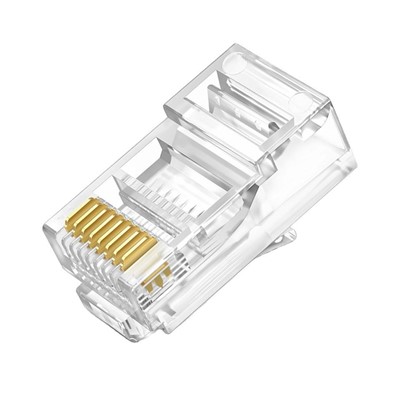
![Rj45 Connector Cat5e]() Rj45 Connector Cat5eRJ45 Connector Cat5e is a high-performance modular plug designed specifically for Cat5e network cablread more
Rj45 Connector Cat5eRJ45 Connector Cat5e is a high-performance modular plug designed specifically for Cat5e network cablread more -
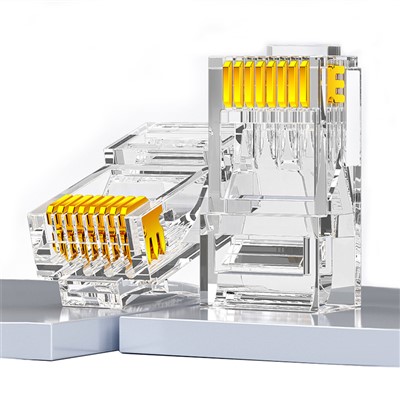
![rj45 cat6 connector]() rj45 cat6 connectorRJ45 Cat6 Connector Features:The high-performance RJ45 Cat6 Connector is engineered for robust networead more
rj45 cat6 connectorRJ45 Cat6 Connector Features:The high-performance RJ45 Cat6 Connector is engineered for robust networead more -
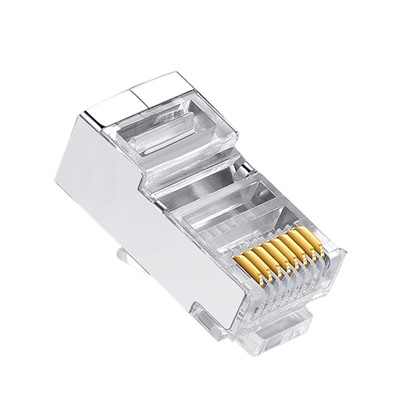
![Cat5e Shielded Crimp Connector]() Cat5e Shielded Crimp ConnectorProduct Features:Cat5e Shielded RJ45 Connectors offer high-performance connectivity for your networkread more
Cat5e Shielded Crimp ConnectorProduct Features:Cat5e Shielded RJ45 Connectors offer high-performance connectivity for your networkread more -
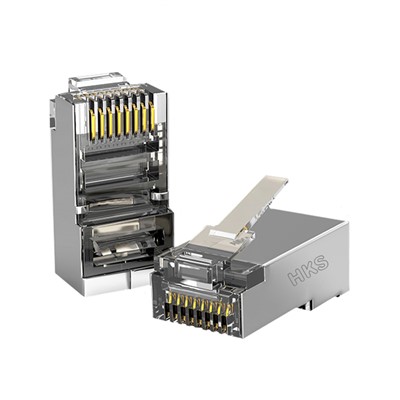
![Shielded Cat6 RJ45 Connectors]() Shielded Cat6 RJ45 ConnectorsProduct FeaturesShielded Cat6 RJ45 Connectors are engineered for robust and high-speed Ethernet connread more
Shielded Cat6 RJ45 ConnectorsProduct FeaturesShielded Cat6 RJ45 Connectors are engineered for robust and high-speed Ethernet connread more
Why choose us
Rich Experience
Our company has many years of production work experience. The concept of customer-oriented and win-win cooperation makes the company more mature and stronger.
One-stop Solution
With rich experience and one-to-one service,we can help you choose products and answer technical questions.
Quality Control
We have professional personnel to monitor the production process, inspect the products and ensure that the final product meets the required quality level standards, guidelines and specifications.
Advanced Equipment
Equipment based on the latest technological developments has higher efficiency, better performance and stronger reliability.
After-Sale Service
Professional and thoughtful after -sales team, let you worry about us after -sales Intimate service, strong after -sales team support.
Competitive Price
We have professional sourcing team and cost accounting team, stive to reduce cost and profit and provide you a good price.
What Are The Types of RJ45 Connectors
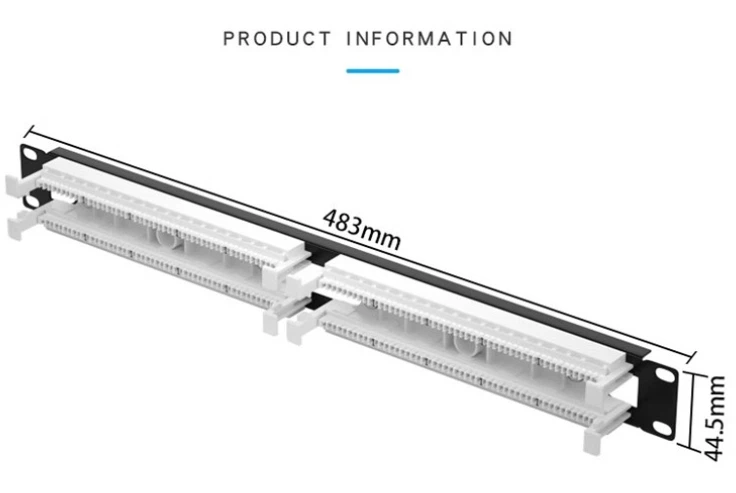
Shielded RJ45 Connectors
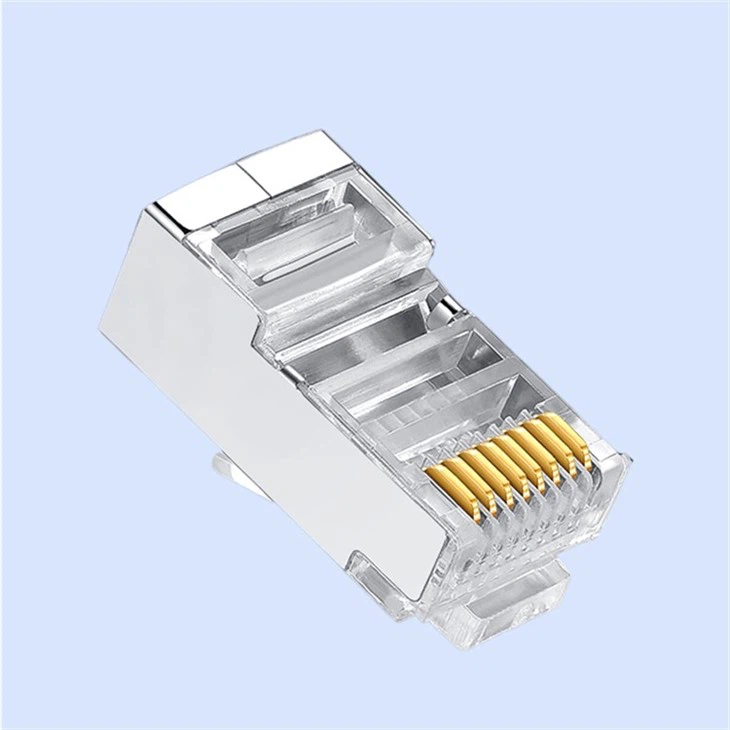
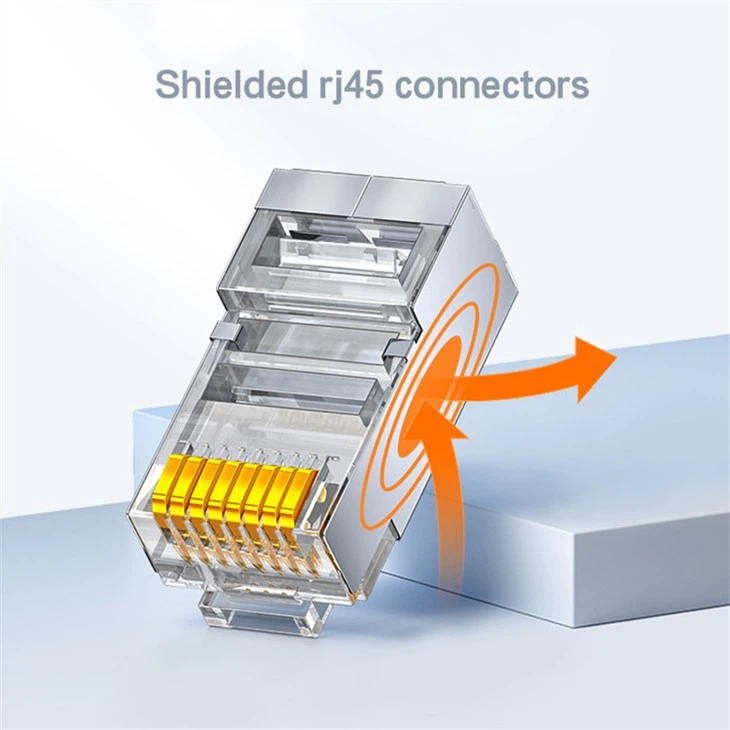
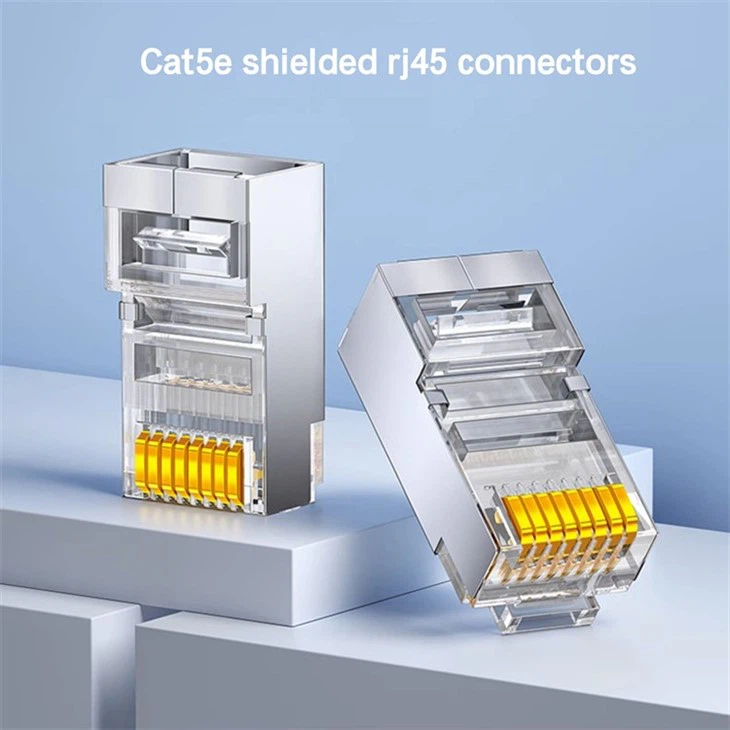
You may want to consider using shielded RJ45 connectors if you are using the cable in high EMI environments.This type of connector has a metal shield around it that helps to protect against EMI.
Cat5e RJ45 Connector
The Cat5e RJ45 connector is similar to the Cat5 connector, but it’s designed for use with Cat5e Ethernet cables. Cat5e Ethernet cables have a maximum bandwidth of 100 Mbps.This makes them suitable for most modern networks. The Cat5e connector has four pairs of wires, just like the Cat5 connector.
Cat6a RJ45 Connectors
The Cat6a RJ45 connectors are designed for use with the augmented category 6 cables. The category 6 augmented ethernet cables have a maximum bandwidth of 10 Gbps.
Cat7 RJ45 Connector
The Cat7 RJ45 connector is designed for use with Cat7 Ethernet cables.Cat7 Ethernet cables have a maximum bandwidth of 10 Gbps, but they can transmit data over longer distances than Cat6a cables.
PoE RJ45 Connector
The PoE RJ45 connectors are designed for use with Power over Ethernet (PoE) devices. PoE devices can transmit power and data over the same Ethernet cable. This feature is highly useful in situations where it’s difficult to run power cables.The PoE connector has the same eight pins as the standard RJ45. But it’s designed to handle the additional power that’s transmitted over the cable.
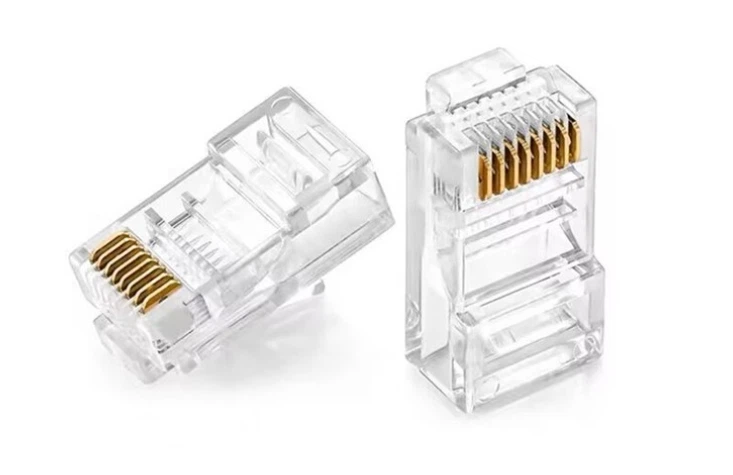
How To Wire a Rj45 Connector
Wiring an RJ45 connector is a relatively simple process that involves attaching an RJ45 cable to the connector and then connecting the wires inside the cable to the appropriate pins on the connector. The process can vary slightly depending on the type of cable and connector you are using, but the basic steps are as follows
Start by stripping off the outer jacket of the cable to reveal the individual wires inside. You will typically need to strip off about 1-2 inches of the jacket.
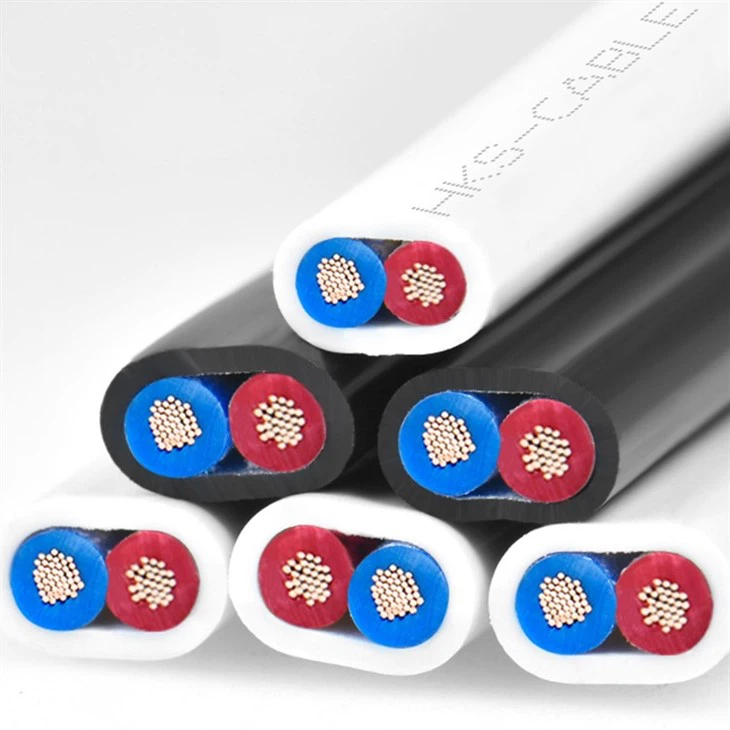
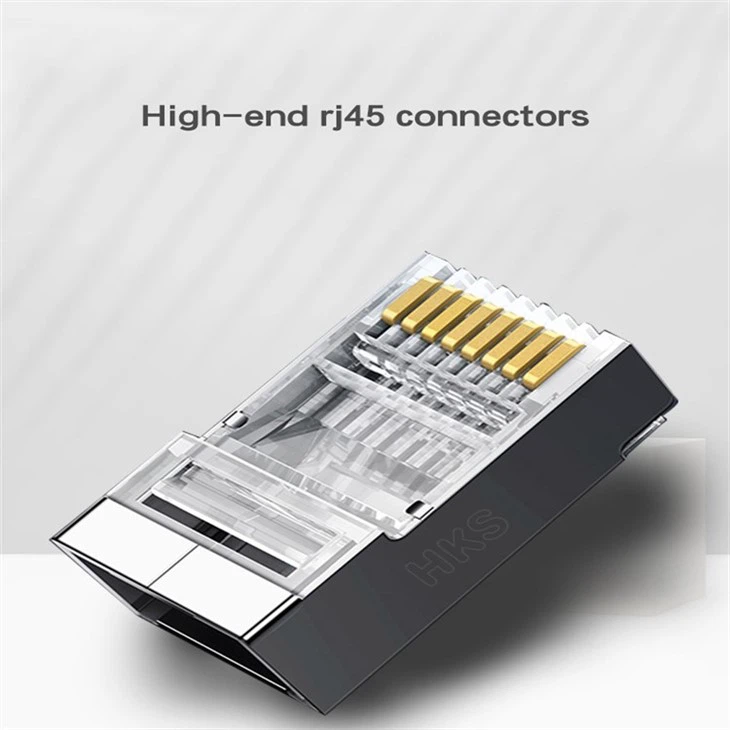
Press the connector onto the wires, making sure that each wire is properly seated in the corresponding pin.
Arrange the wires in the cable into the order they will be connected to the connector. The standard order for Ethernet cables is as follows: Orange/White, Orange, Green/White, Blue,
Blue/White, Green, Brown/White, Brown
Once all the wires are in place, use a crimping tool to crimp the connector onto the wires. This will secure the wires in place and ensure a good connection.
Take the connector and align the wires with the corresponding colors on the connector.
After crimping the connector, you can test the cable to ensure that it is working properly.
Wiring Pinouts of RJ45 Connectors
Two standard RJ45 pinouts define the arrangement of the individual eight wires needed when attaching connectors to a cable: the T568A and T568B standards. Both follow a convention of coating individual wires in one of five colors (brown, green, orange, blue, or white) with certain stripe and solid combinations.
Following either the T568A or T568B convention is essential when you build your own cables to ensure electrical compatibility with other equipment. If you don't build your own cables, you only need to verify the correct standard for use with your equipment. For historical reasons, T568B is the more popular standard, although some homes use the T568A version. The table below summarizes this color coding of the wires in the connectors.
|
pin |
T568B |
T568A |
|
1 |
White with orange stripes |
White with green stripes |
|
2 |
Orange |
Green |
|
3 |
White with green stripes |
White with orange stripes |
|
4 |
Blue |
Blue |
|
5 |
White with blue stripes |
White with blue stripes |
|
6 |
Green |
Orange |
|
7 |
White with brown stripes |
White with brown stripes |
|
8 |
Brown |
Brown |
Several other kinds of connectors closely resemble RJ45, and they can be easily confused with one another. The RJ11 connectors used with telephone cables, for example, use six-position connectors rather than eight position connectors, making them slightly narrower than RJ45 connectors. Other than that, they look very much the same.
What Is An Rj45 Connector Used For
An RJ45 connector is primarily used for connecting devices to a network using Ethernet protocols. Ethernet is a standard for connecting computers, routers, switches, and other devices to a network, and the RJ45 connector is one of the most commonly used connectors for this purpose.
The connector is typically used in conjunction with an RJ45 cable, which is a type of twisted-pair cable that is used to transmit data over a network. The connector can be used to connect computers, routers, switches, hubs, modems, and other networking devices to a network. It can also be used to connect other types of equipment, such as security cameras, printers, and other devices, to a network.
Final Design Considerations For Rj45 Connector
RJ45 connectors that will be interfacing with an Ethernet network have several technical considerations to keep in mind during design. At the board level, the focus is on reducing EMI, preserving electrical signal isolation, and maintaining signal integrity. Without diving too far into the details of circuit design, it is important to pay close attention to the length and position of traces on the board. Physical placement of the connectors on the PCB should also be considered.
When it comes to magnetics, they must be considered if adding wired Ethernet into a design as they are included in the Ethernet specification for 10/100/1000 Base-T networks. Magnetics are wire-wound components (like transformers) that provide EMI shielding, protect against faults and transients, and offer electrical isolation and signal balancing. They must be isolated and kept as close as possible to RJ45 connectors.
There are two options for adding magnetics into a design. Option one is to select an RJ45 connector with integrated magnetics in the housing. RJ45 magnetic jacks offer the benefits of improved EMI shielding and more reliable connections. The second option is to add a magnetics module to the PCB between the PHY (Ethernet implementation) chip and the regular RJ45 jack. Magnetics modules tend to be cheaper than integrated connectors while offering better electrostatic discharge (ESD) protection. Both options have advantages and disadvantages that will need to be weighed based on the overall system design.
How Does An Rj45 Differ From Other Connectors
The RJ11 connector is often mistaken for the RJ45 connector, but they are actually quite different. Both connectors are used for telecommunications, but the RJ11 connector is a 6-pin connector that is commonly used for telephone lines. It is often used to connect phones, fax machines, and other devices to a telephone line. The RJ11 connector is smaller than the RJ45 and has a different pin configuration.
In contrast, the RJ45 connector is larger and has eight pins. It is used for data transmission, while the RJ11 connector is used for voice transmission.
Another connector that is sometimes mistaken for the RJ45 is the BNC connector, which is commonly used in video applications. The BNC connector is a small, bayonet-style connector that is used to connect coaxial cables. It is typically used in applications such as CCTV and broadcast video.
Crimping Tools for RJ45 Connectors
Crimping tools are used to join or connect two components or pieces of material through compression forces. They work by squeezing the two parts together tightly enough to form a fairly permanent bond or seal. Different sorts of crimp tools have various additional functions along with this ability to compress and seal materials. Common examples include cutting, stripping, and bending.
An RJ45 crimping tool (sometimes called an RJ45 crimper or RJ45 connector tool) is used to attach the male plug connectors to the ends of a suitable cable. This is normally some category of Ethernet cable. Using an RJ45 crimp tool enables you to connect these components quickly and simply, for a fast and cost-effective fix or custom cable build.
Numerous options are available for buying crimp tools, including hand-operated crimp tools, electric crimp tools, hydraulic crimp tools, pliers, and ratchets. Handheld or manual crimp tools for RJ45 are among the simplest and most economical options to use.
The main difference between an RJ11 and an RJ45 connector is the number of pins they have and their intended use.
An RJ11 connector is a 6-pin connector that is commonly used for telephone lines. It is used to connect telephones, fax machines, and other similar devices to a telephone line. The RJ11 connector is designed to transmit voice and data over a single pair of wires, and can support data transfer speeds of up to 2Mbps.
On the other hand, an RJ45 connector is an 8-pin connector that is commonly used for Ethernet networking. It is used to connect computers, routers, switches, and other networking devices to a network. The RJ45 connector is designed to transmit data over a four pairs of wires, and can support data transfer speeds of up to 10Gbps.
Another difference between them is the physical size and shape of the connectors. RJ45 connectors are generally larger and wider than RJ11 connectors.
In summary, the main difference between an RJ11 and an RJ45 connector is the number of pins they have, their intended use and data transfer speeds they support. RJ11 connectors are primarily used for telephone lines, while RJ45 connectors are primarily used for Ethernet networking.
The Inner Workings Of The Rj45
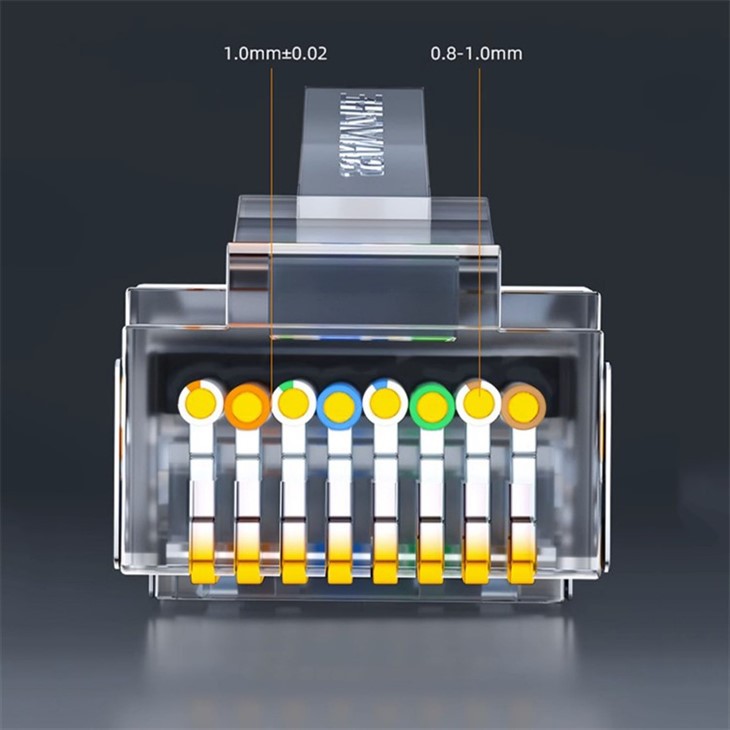

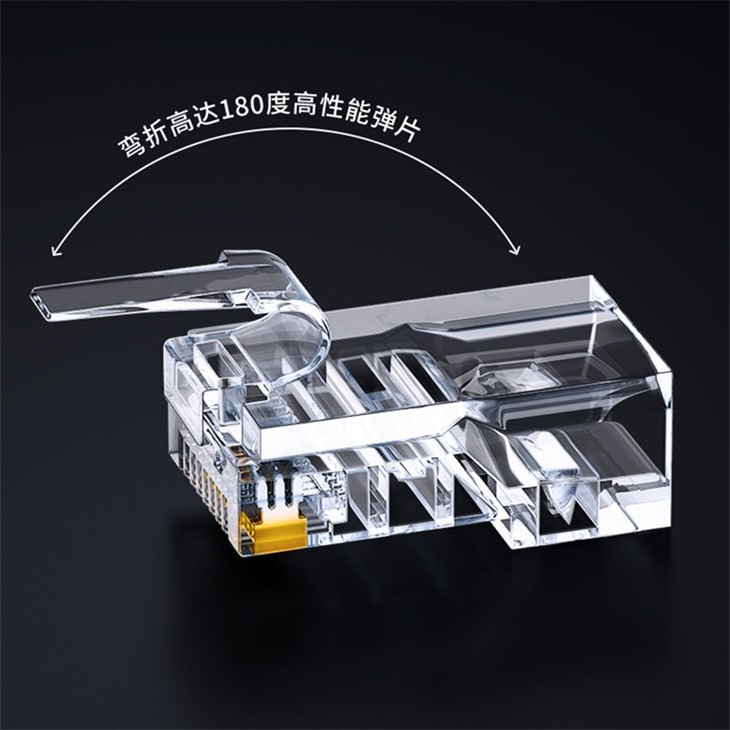
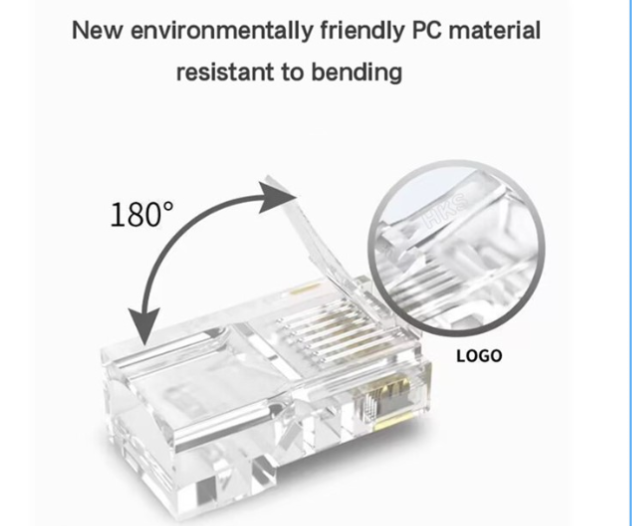
Even if we haven’t wired, crimped and terminated, most of us have at some point plugged an RJ45 plug into the matching jack or ethernet port in our modem, router, PC or TV set top box at home, hearing it snap into place. It consists of a plastic housing, often transparent but can be opaque and coloured too.
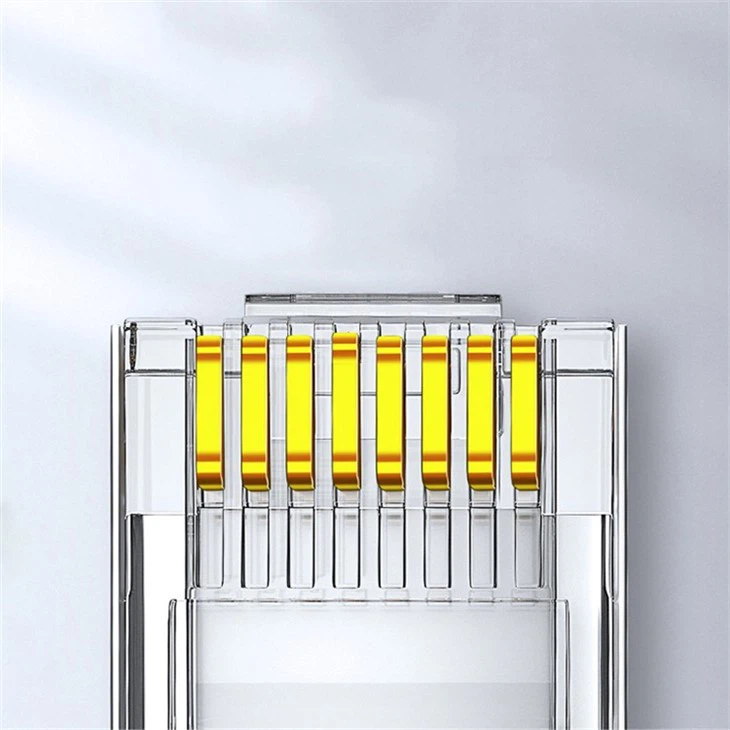
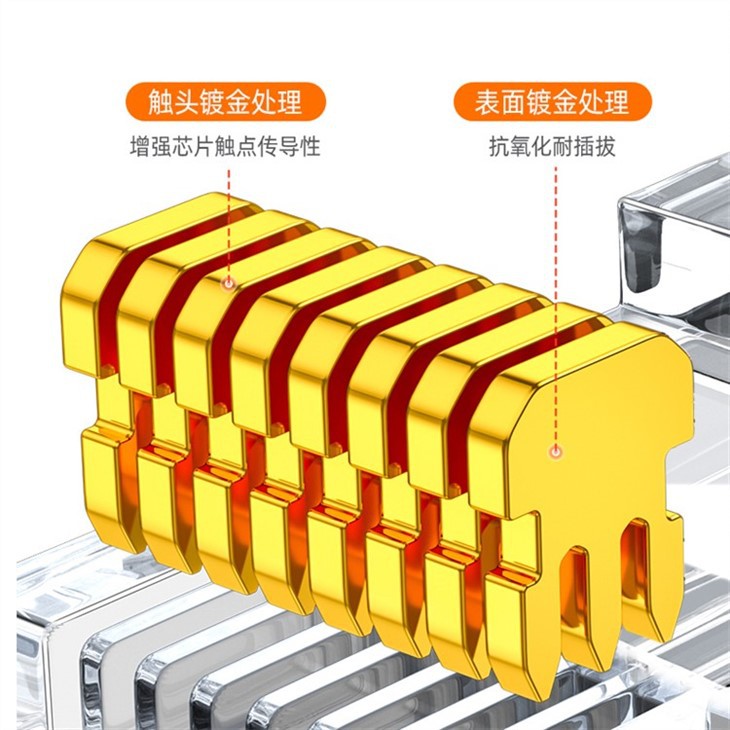
Inside every RJ45 are eight channels containing gold plated contacts separated by insulating plastic as well as a gold plated contact pin with either two or three prongs. These prongs “bite” into the individual wires when you press down on the RJ45 with a crimping tool. Piercing the wire insulation and connecting with the conductor is a mechanism known as insulation displacement. 3 prong connectors will work with stranded and solid copper conductors whereas 2 prong connectors work with stranded copper only.
The eight colour-coded wires are unravelled from the four twisted pairs of the ethernet cable and gently pushed through the separate channels of the RJ45 plug, then bonded to the gold contacts with the crimping tool. T568A and T568B are two wiring schemes that are used to connect the cable to the RJ45 connector interface. T568A is generally considered a superior configuration as it offers wider backwards compatibility. However, T568B is more common, especially in older cables and equipment. The correct standard will depend on whether a straight-through cable (often called a patch cable) or a crossover cable is required. In most cases a patch cable will be used, which has the same type of wiring standard at each end. Crossover cable is much less common with a T568A connection at one end and a T568B connection at the other.
When the RJ45 is pushed into the ethernet port the male and female contacts connect with each other as the tab locks the plug tightly into place. Data and signals then begin to flow back and forth along the ethernet cable, delivering web pages from the distant servers and emails from the local computer operator as well as a plethora of other information.
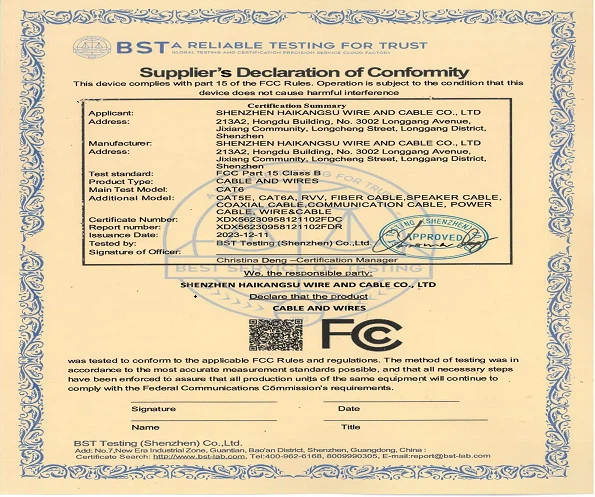
Certifications





Our Factory
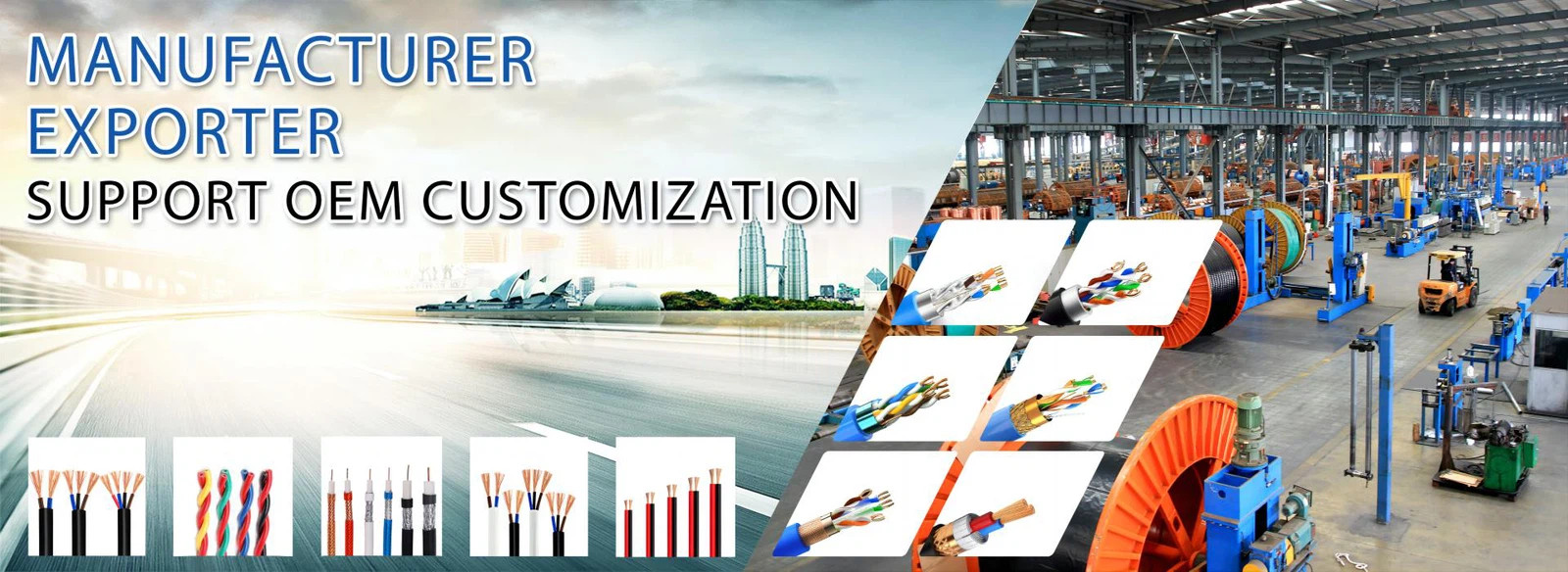
Shenzhen Haikang Plastic Wire and Cable Co., Ltd. is a comprehensive trading company specializing in the production and processing of copper core cables and wires. The company has advanced production equipment, a strong technical team, and complete testing methods. With strong technical expertise, first-class equipment and perfect management system, it takes a leading position in innovative cable design and manufacturing. The company has its own factory in Chigang Town, Jieyang City, Guangdong Province, China, with a fifteen-year development history and rich production experience.
FAQ